
 Best seller
GlocalMe UPP U20 4G
Best Seller
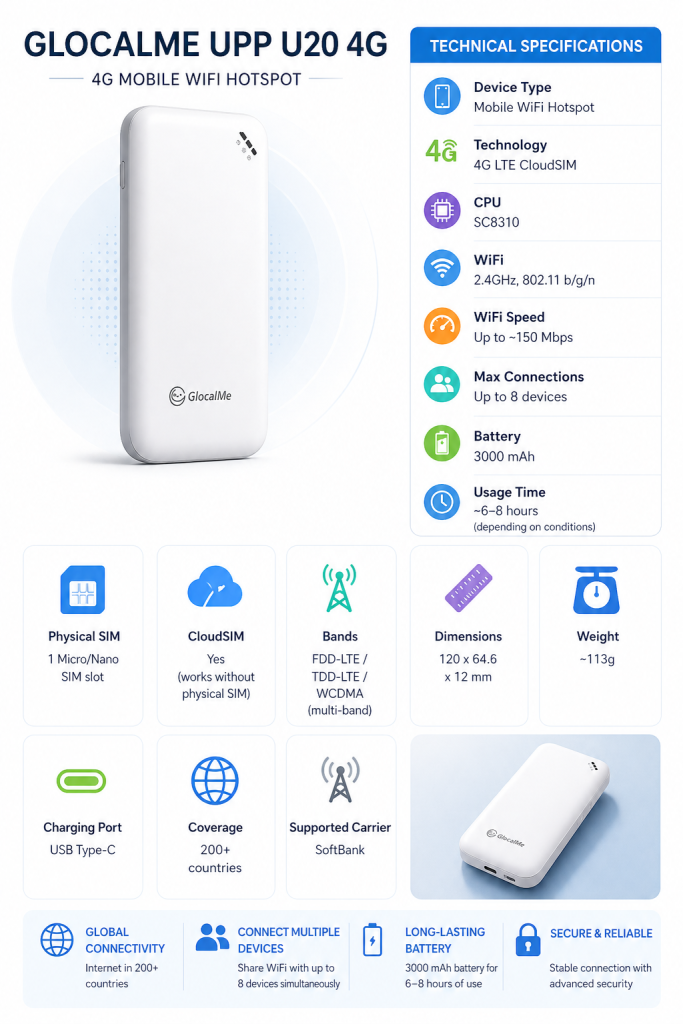
Device Type | Portable WiFi Router (Mobile Hotspot) |
|---|---|
Technology | 4G LTE CloudSIM |
CPU | SC8310 |
WiFi | 2.4GHz, 802.11 b/g/n standard |
WiFi Speed | Up to ~150 Mbps |
Max Connections | Up to 8 devices |
Battery | 3000 mAh |
Usage Time | ~6–8 hours (depending on conditions) |
Physical SIM | 1 Micro/Nano SIM slot |
CloudSIM | Yes (can be used without SIM) |
Bands | FDD-LTE / TDD-LTE / WCDMA multi-band |
Dimensions | 120 x 64.6 x 12 mm |
Weight | ~113g |
Charging Port | USB Type-C |
Coverage | 200+ countries |
Supported Carrier | SoftBank |
Specifications
How to activate
Additional Information
🚚 Free nationwide delivery
🔓 3-day trial
📞 Free customer support from 8:00 AM – 10:00 PM, every day of the week
GlocalMe UPP U20
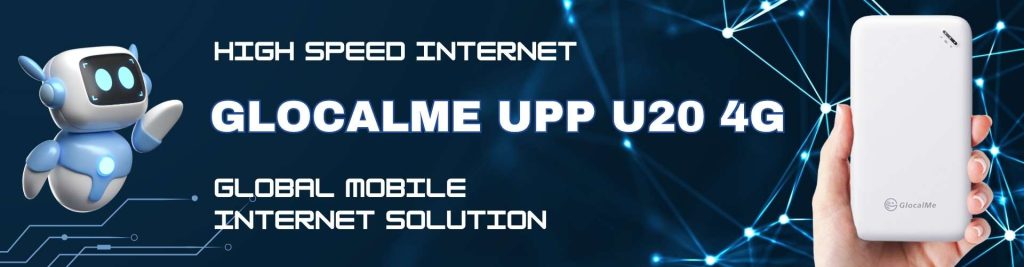
GlocalMe UPP U20 4G is a global mobile internet solution designed for anyone who needs stable connectivity anytime, anywhere — without relying on physical SIM cards or complicated contracts. Simply power on the device and enjoy instant internet access in over 100 countries without changing SIM cards or worrying about expensive roaming fees.
With stable 4G speed and multi-device sharing capability, it is perfect for travel, business trips, and remote work. If you are looking for a flexible, cost-effective, and convenient international internet solution, this is a smart investment.
TECHNICAL SPECIFICATIONS
Product Features
Maximum Speed
Download: ~150 Mbps
Upload: ~50 Mbps
GlocalMe UPP U20 focuses on stability and global multi-network connectivity. Suitable for:
Web browsing & social media
HD video streaming
Online work & Zoom meetings

Function Overview
Power On: Press and hold the power button for 3 seconds.
Power Off: Press and hold the power button for 3 seconds.
Restore Factory Settings: Enter “192.168.43.1” into your web browser address bar.
Restart: Open the front cover and press the power button.
Local SIM: Open the bottom cover using the arrow button on the right side and insert a Micro SIM card.

Notes
Please turn off the device before inserting/removing a SIM card.
Log in to 192.168.43.1 to switch physical SIM settings.
When using a physical SIM card, monitor your data usage and roaming status.
This device does not support SIM cards with PIN lock enabled. Please disable the PIN lock before use.
PRODUCT INFORMATION
CloudSIM – No SIM Required: Instant connection without inserting a SIM card or complicated setup.
Multi-Network Stability: Automatically connects to the strongest network for seamless performance.
Global Coverage: Available in 200+ countries without traditional roaming fees.
Private WiFi – More Secure: Safer and more stable than public WiFi networks.
Multi-Device Connection: Supports up to 8 devices simultaneously.
Flexible Cost: No contracts, no hidden fees, pay only for what you use.
Compact Design: Lightweight, portable, and long battery life.

CONTACT INFORMATION
📍 Address:
〒132-0035 東京都江戸川区平井5丁目23-5 平井ショッピングセンター5階
📞 Contact:
08074566068
skymobile0000001@gmail.com


